Screen Observations
Screen observations show how.
How is the work actually performed, step by step?
Available with Iris Starter, Team and Complete
What it captures
- The real sequence of tools and screens used
- Manual copying between systems and repeated checks
- Workarounds that do not appear in documented procedures
- Elapsed effort at each step of a task
- Digital behaviour captured through a participant-controlled session
What the consultant receives
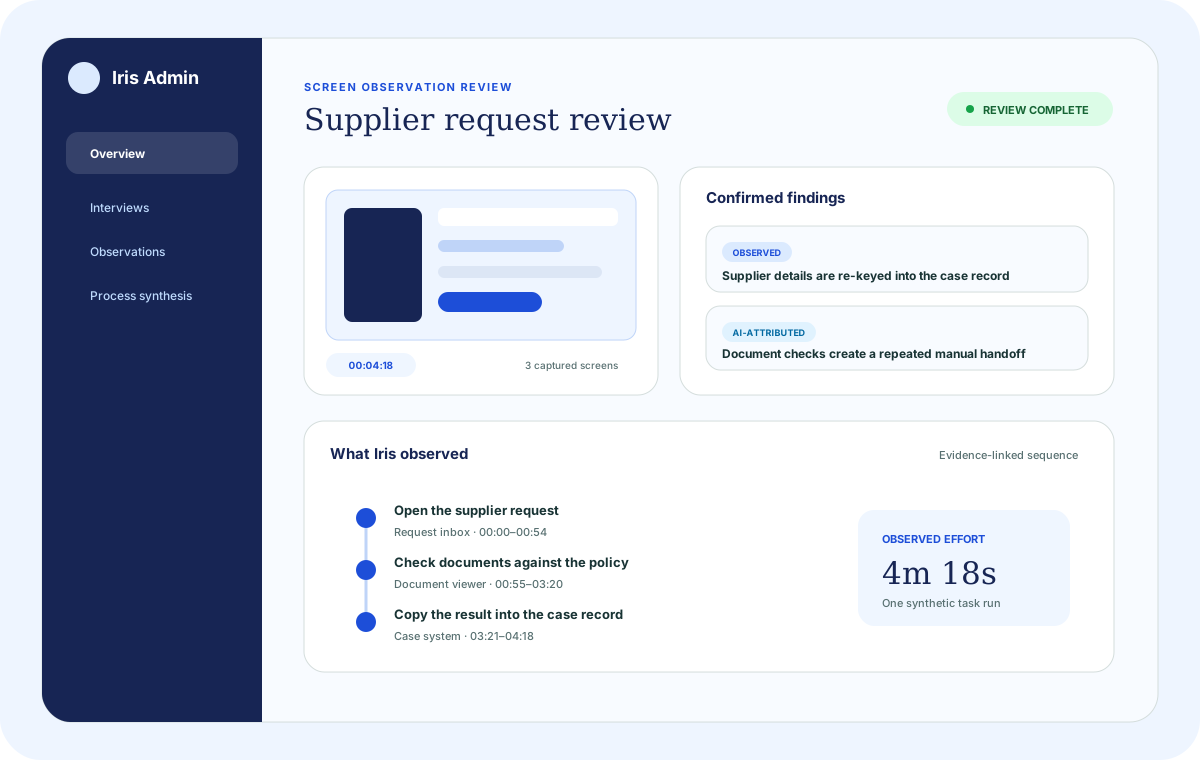
- Timestamped observation record showing steps, tools, elapsed time and workarounds
- Manual steps and tool-switching visible where they occur
- Effort estimate for the observed task
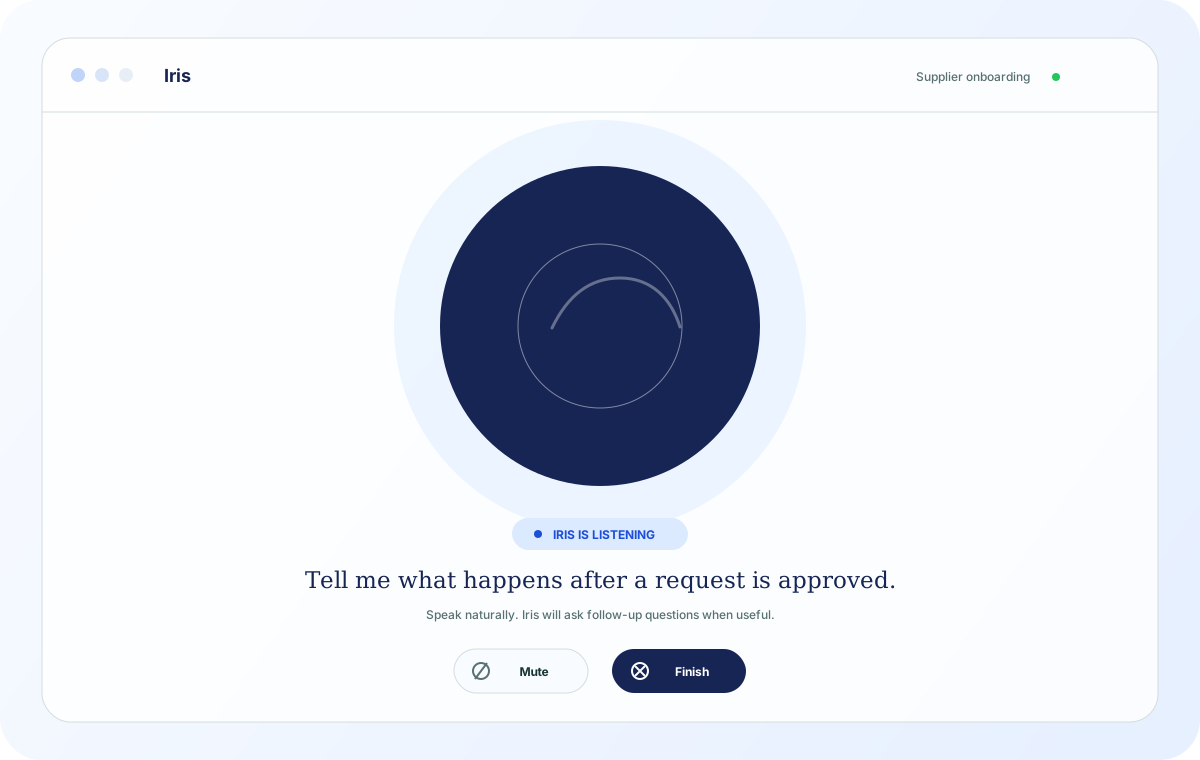
- Participant-controlled session: participants choose what to share and can pause or stop at any time
Illustrative example
In a finance approvals engagement, a screen observation of an accounts payable team member reveals a personal spreadsheet used to track orders in a pending-director state. This spreadsheet is not part of the formal process and does not appear in the ERP. Without the observation, this workaround would not have surfaced from interviews or operational data alone.
How it combines with the other sources
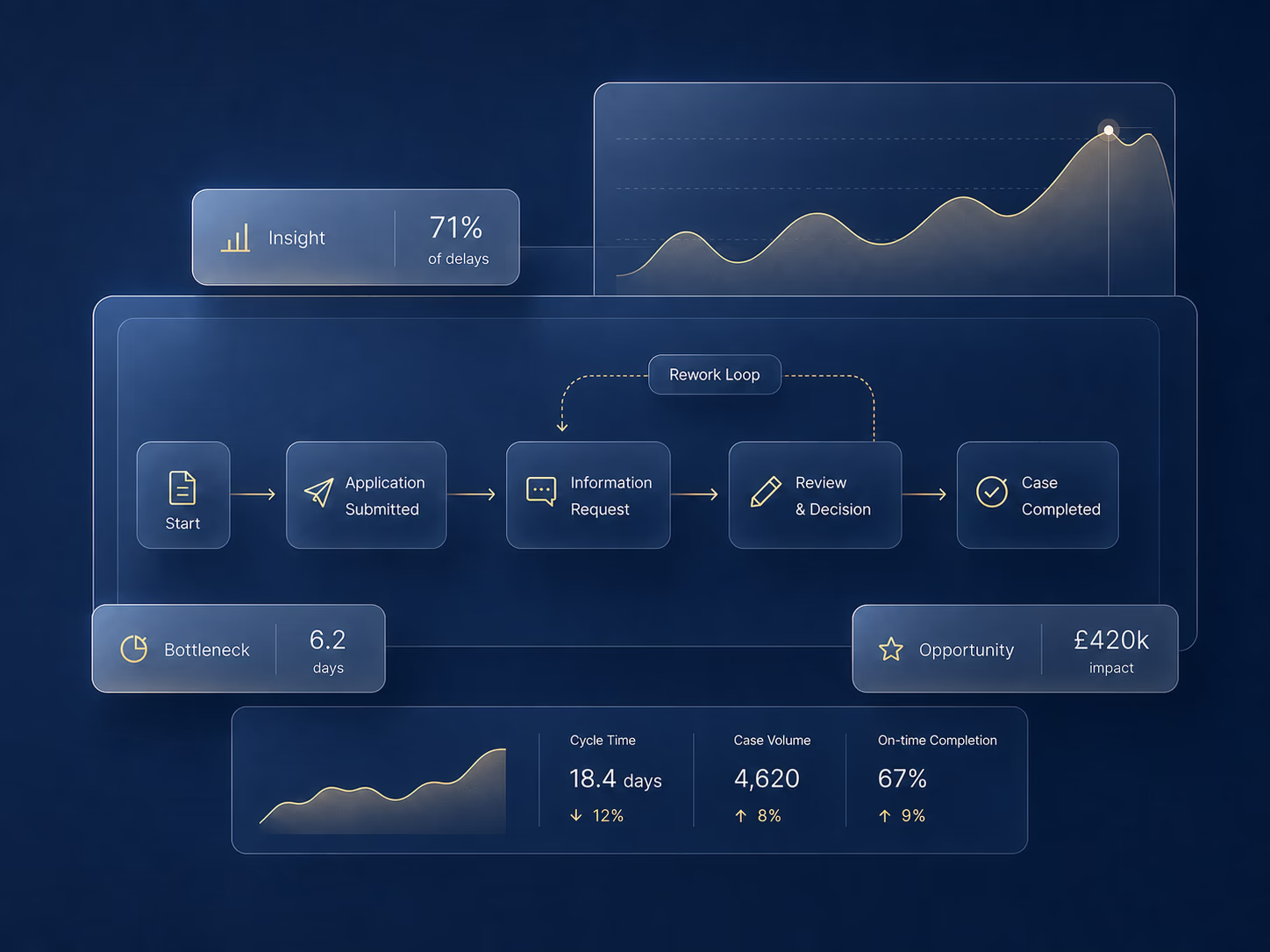
Adaptive Interviews explain why workarounds exist and who is aware of them. Process Intelligence confirms how frequently they occur and what effect they have on cycle time across the full population of cases.
The other capabilities